New: online bookings, e-signatures, email marketing, HR & payroll and WhatsApp Business API.+254 708 08 00 99WhatsApp usLog in:SMS & WhatsAppBilling

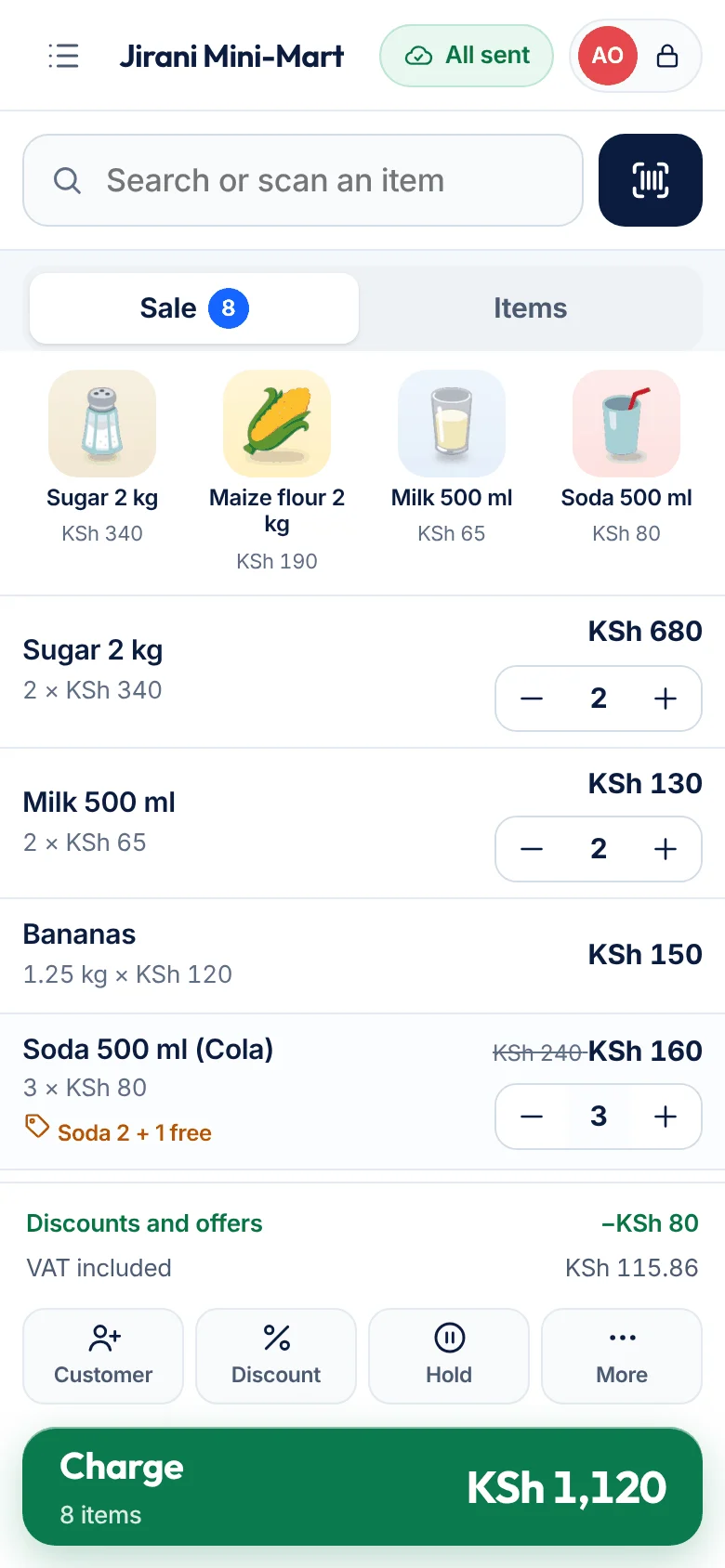
A full till on a phone or tablet: scan, charge, M-Pesa matching, loyalty, restaurant tables and the owner’s dashboard. Cashier PINs inside the demo.
Try the demo →About Beep POS →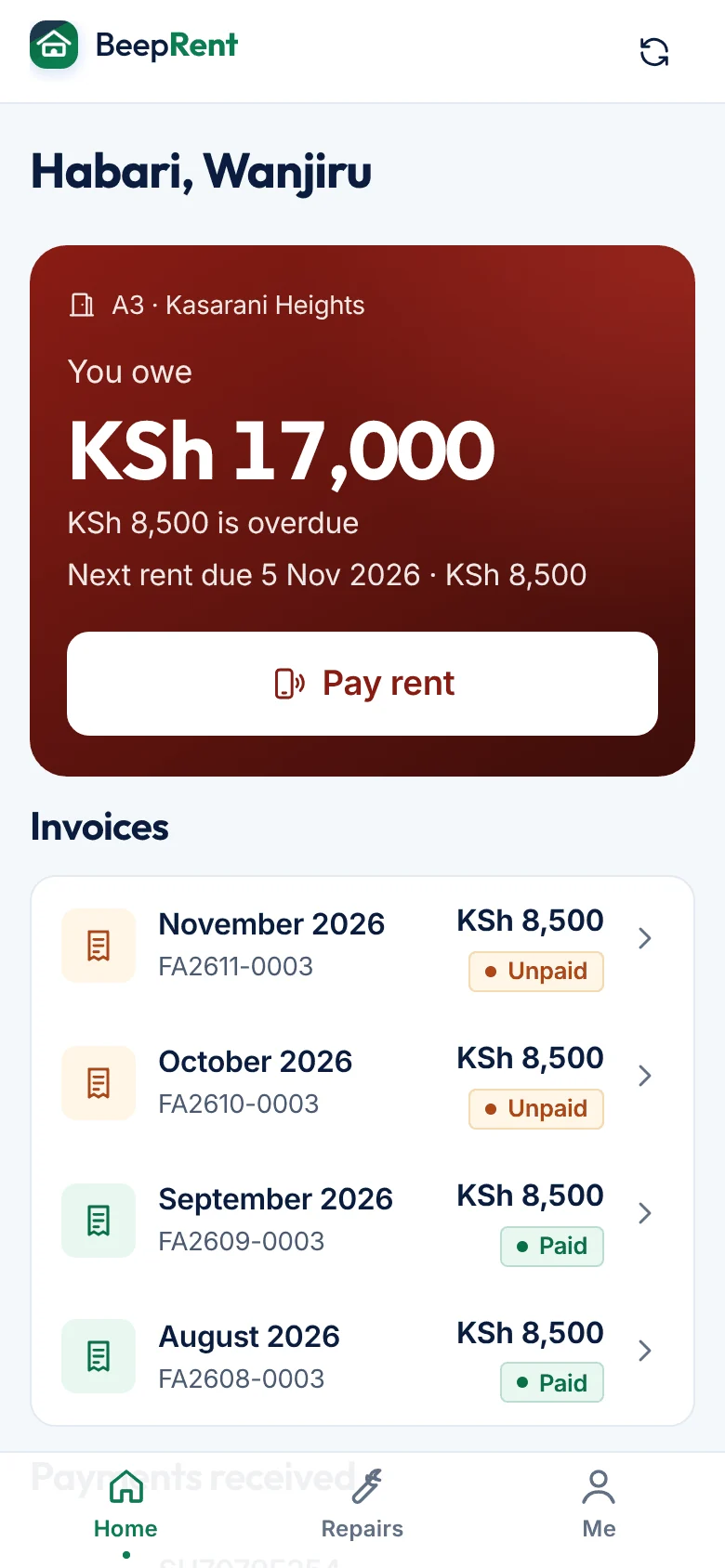
Collections, arrears with one-tap reminders, the caretaker’s repairs and the tenant’s balance and Pay rent screen.
Try the demo →About Beep Rent →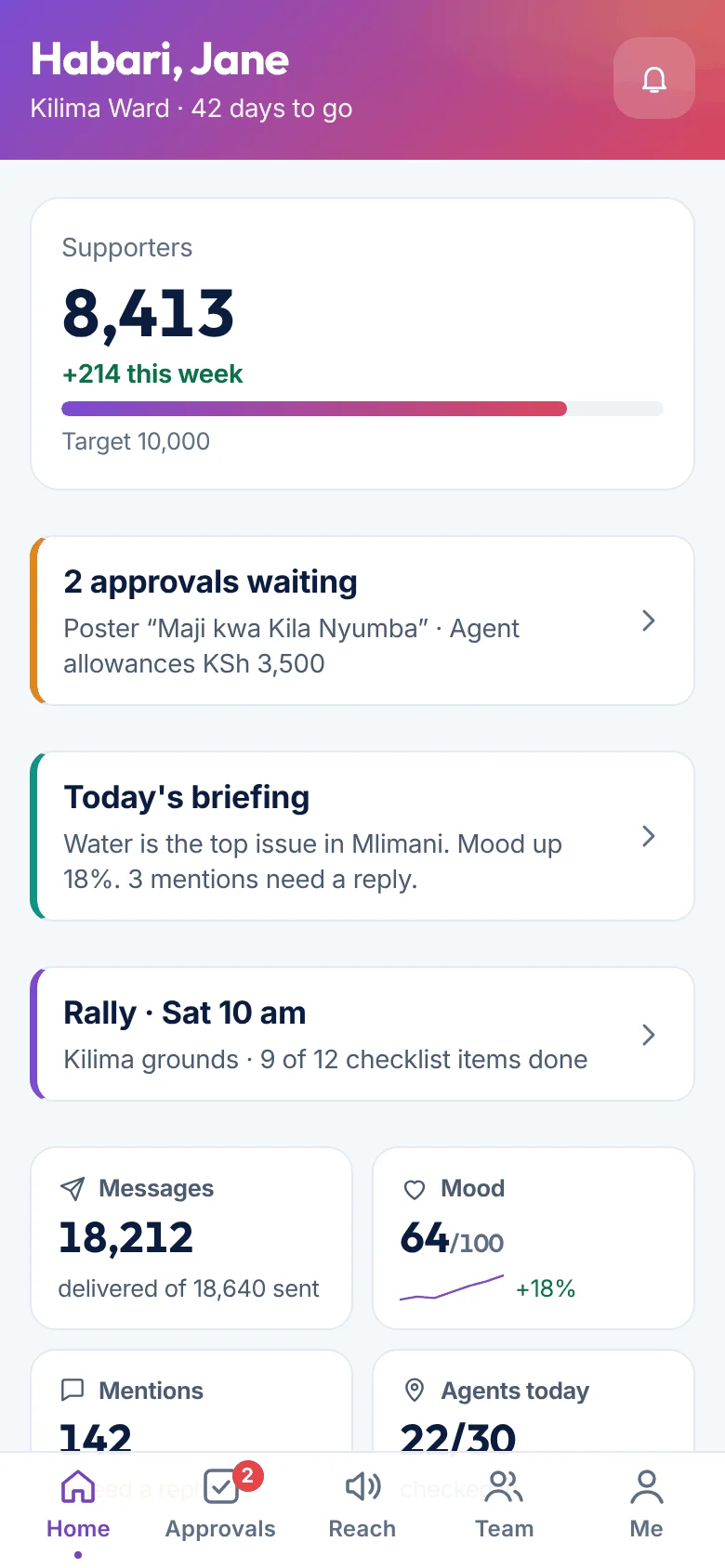
Switch between candidate, communications, coordinator, agent and finance roles, from the command centre to election day.
Try the demo →About Beep Siasa →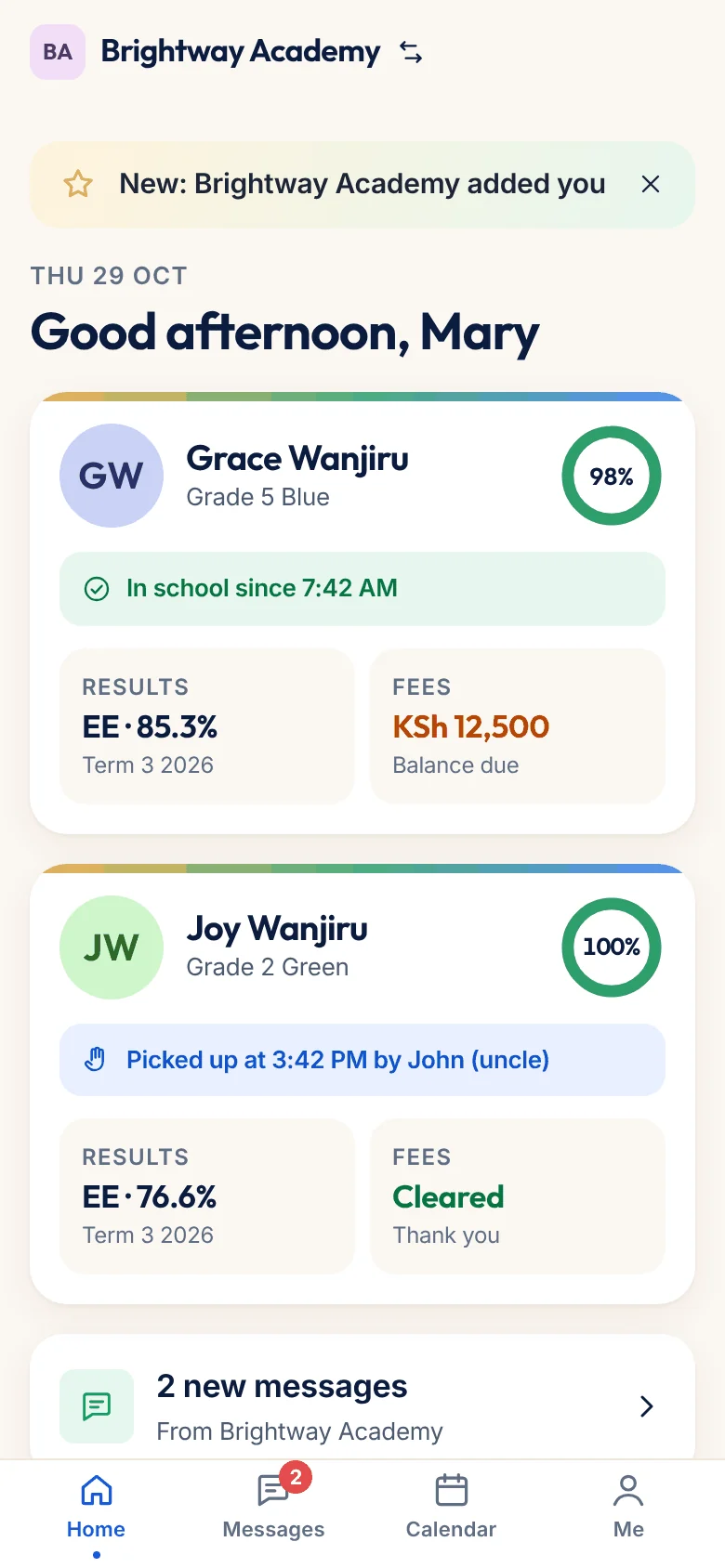
Gate alerts, fees by M-Pesa, report cards and messages.
Try the demo →About Beep School →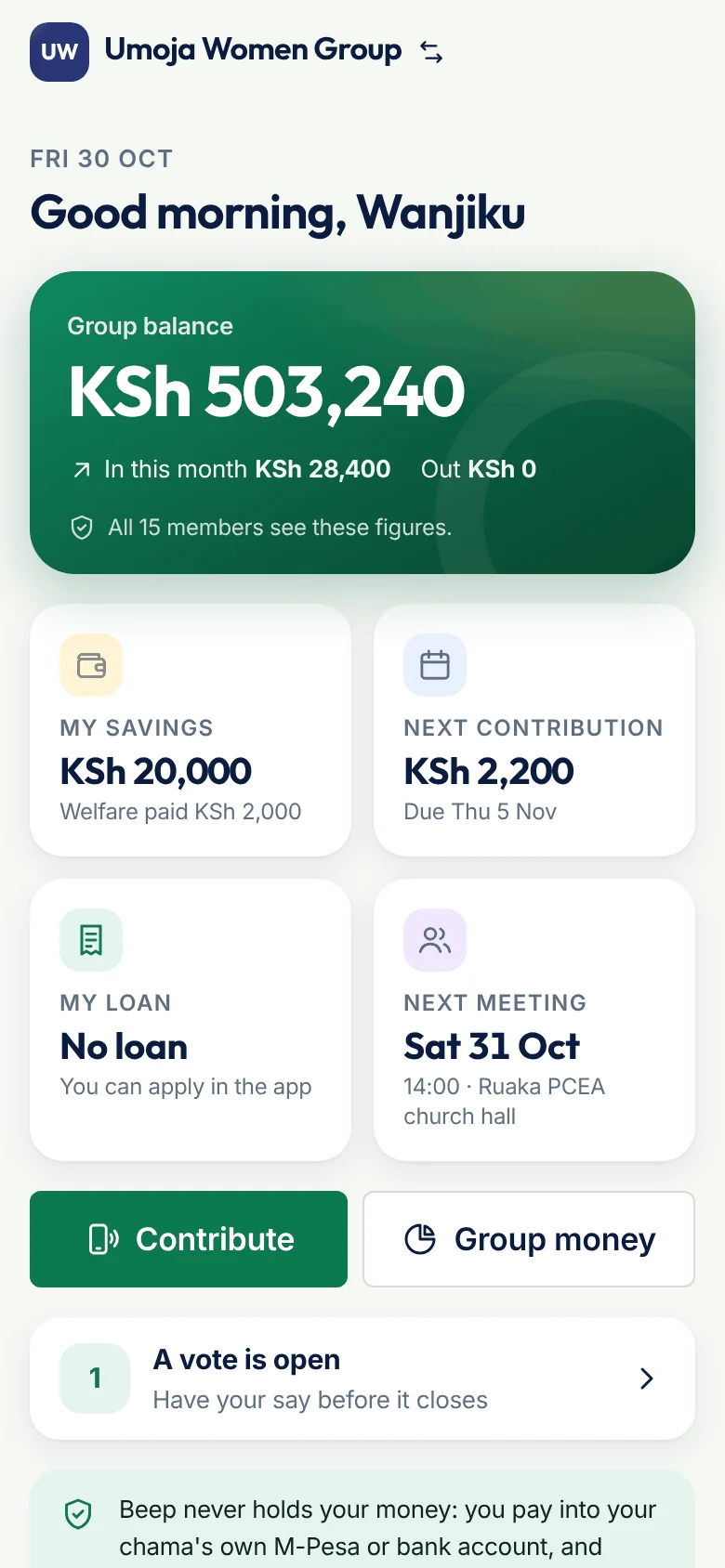
Savings, loans with guarantors, the merry-go-round and votes.
Try the demo →About Beep Chama →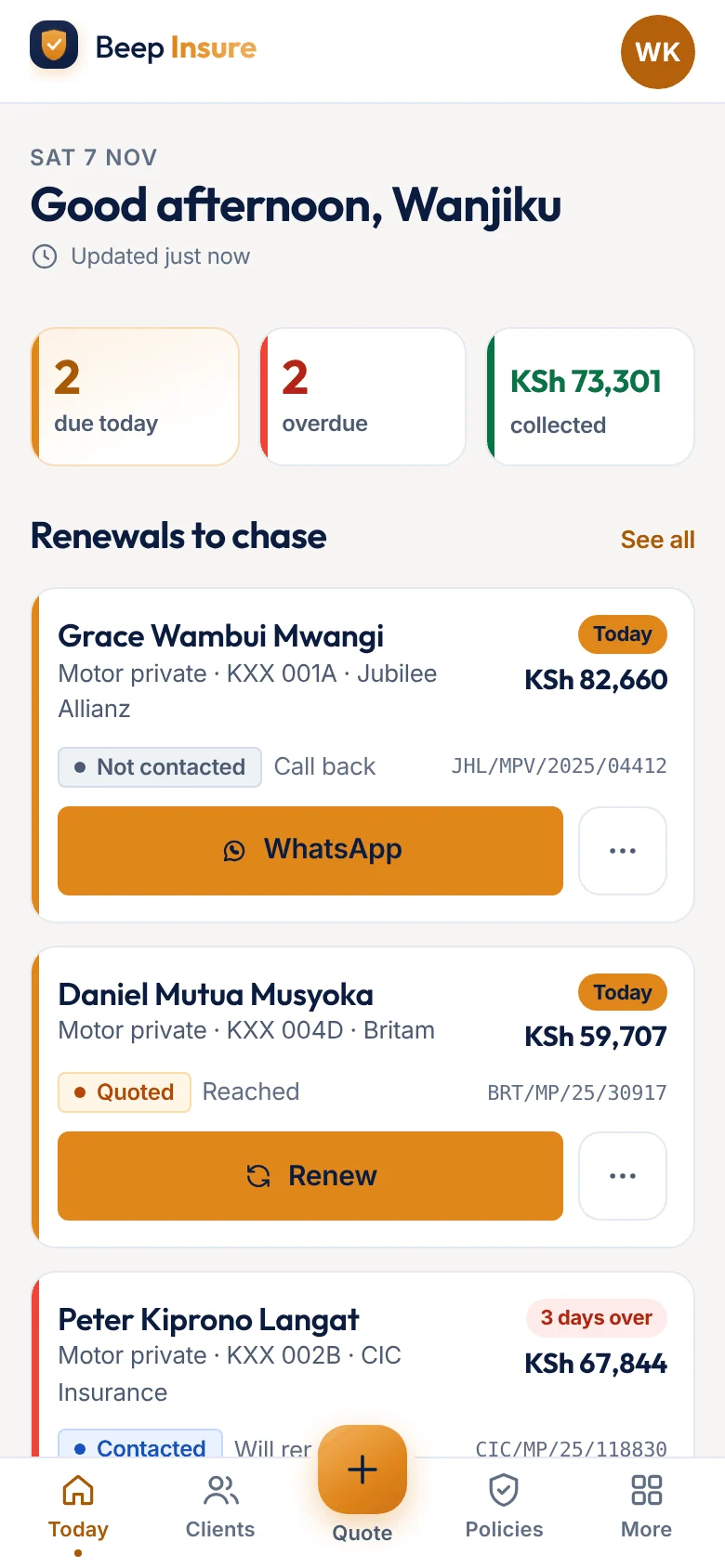
Renewals, quotes, claims and commissions on the move.
Try the demo →About Beep Insure →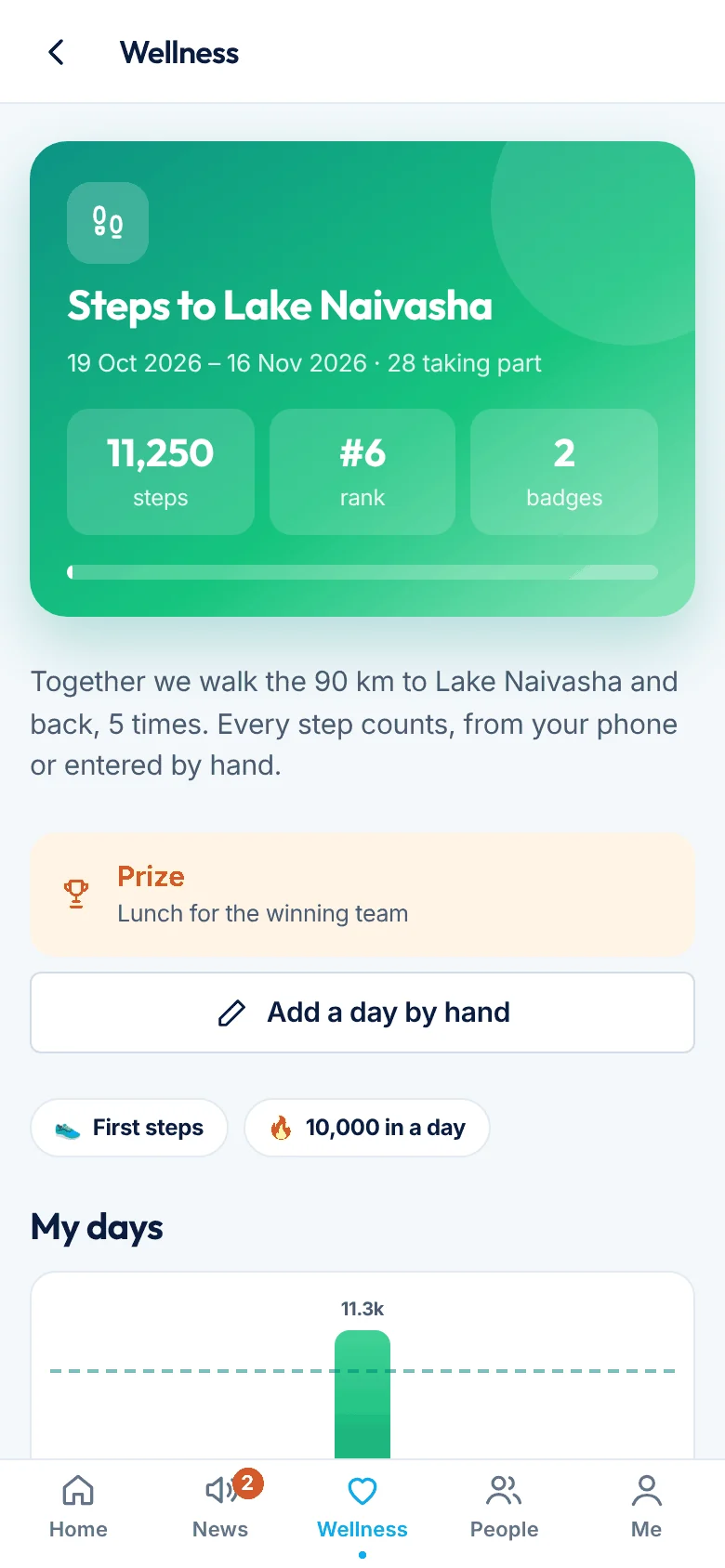
Payslips, leave, attendance, team news and step challenges.
Try the demo →About BeepShwari →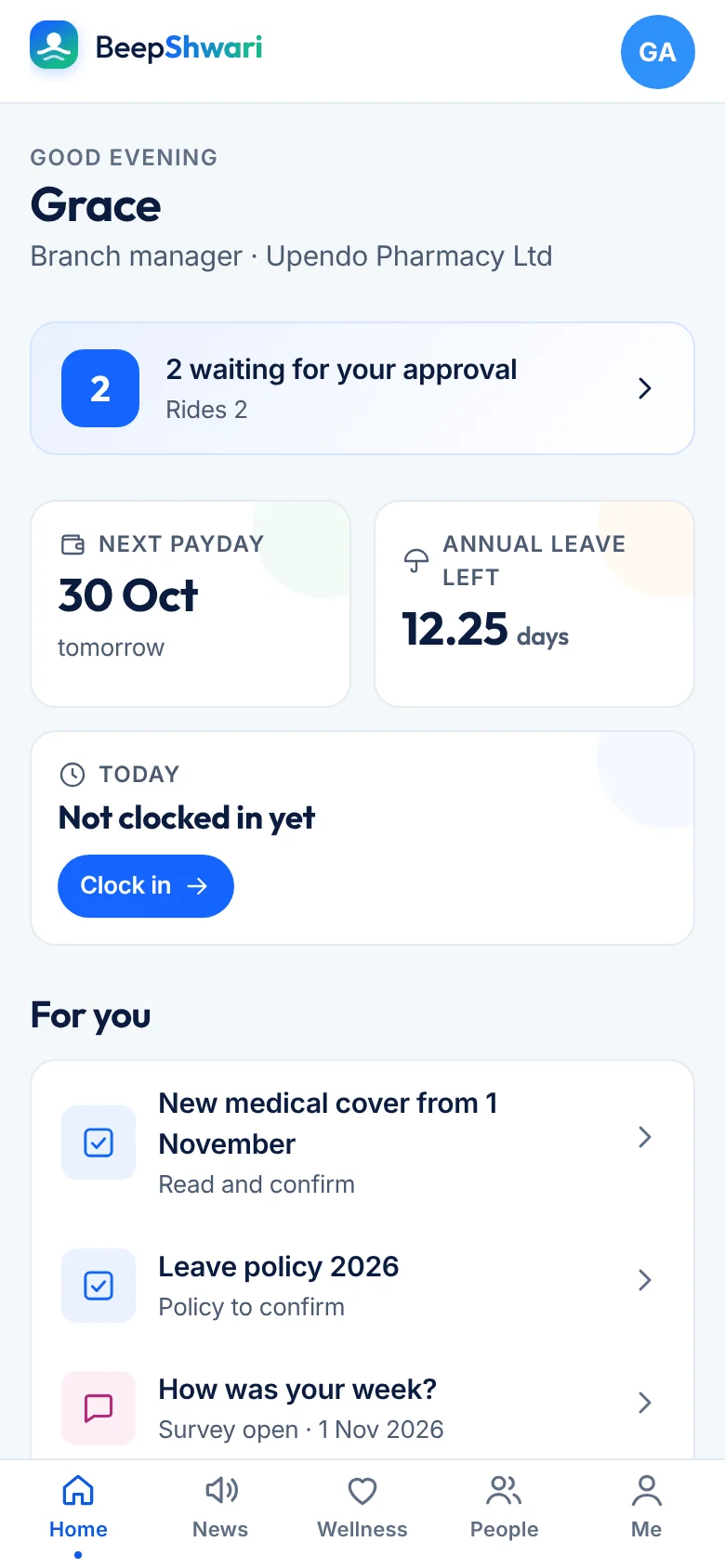
All your Beep services in one app: plans, top-ups, sign-up and links for your customers and staff.
Try the demo →About Beep Business App →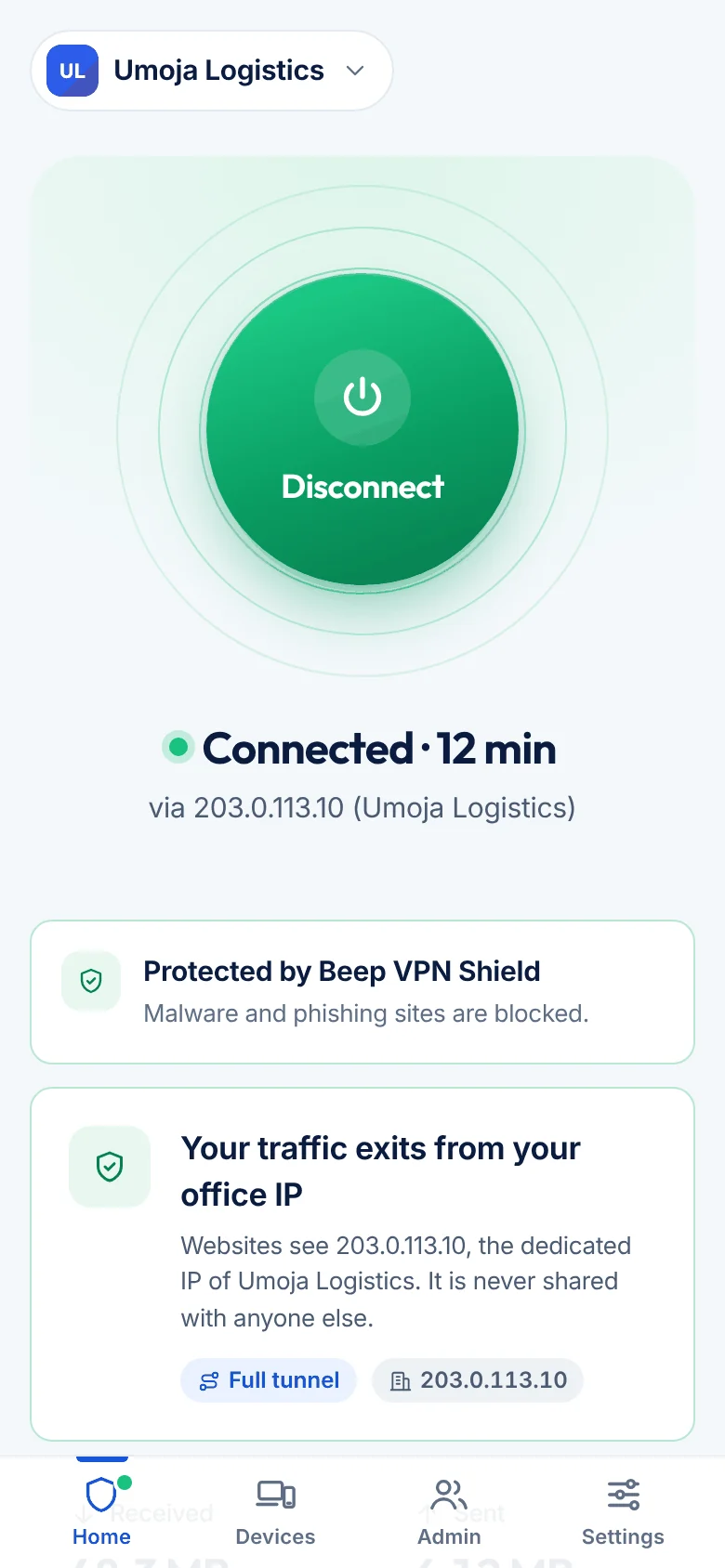
Connect, protection and your own internet address.
Try the demo →About Beep VPN →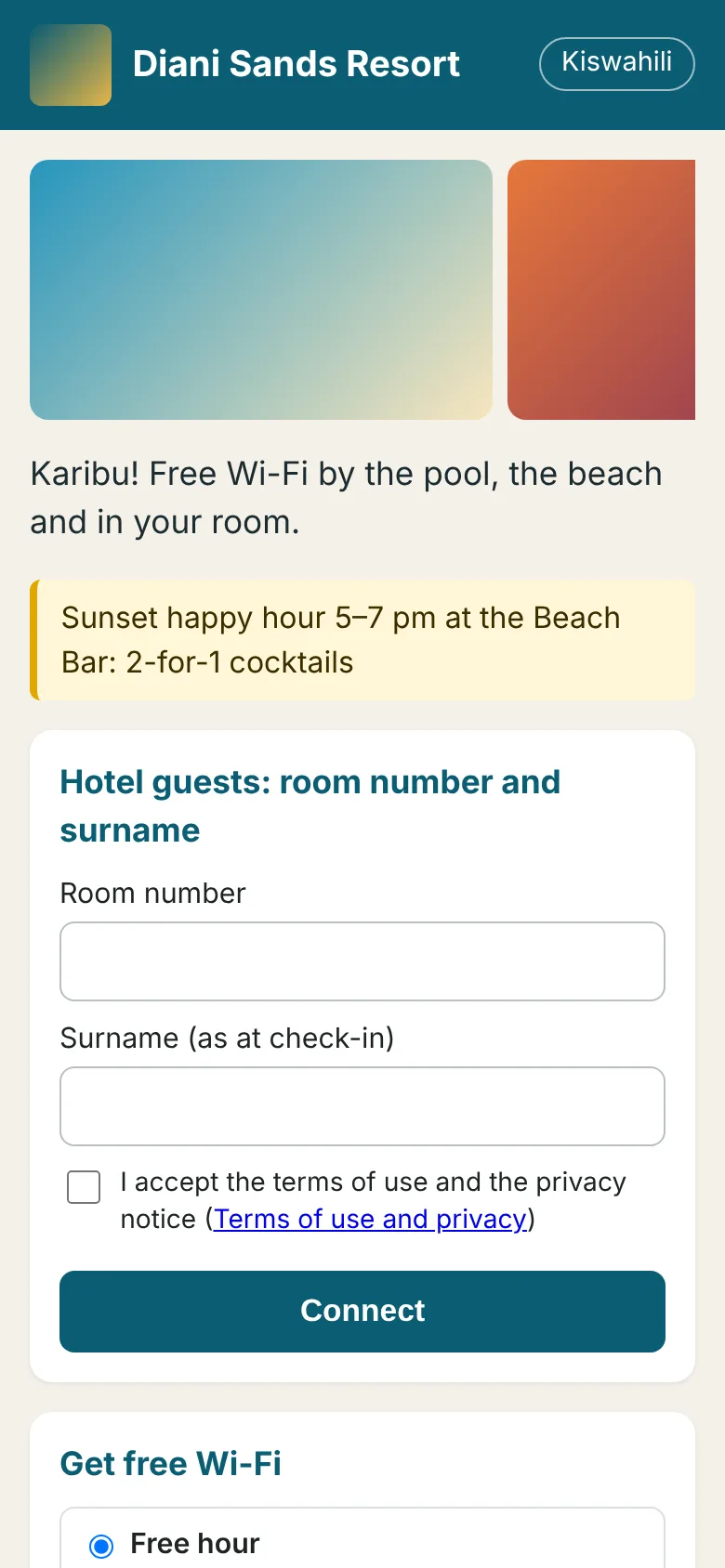
The guest login page and the venue’s panel: day passes by M-Pesa, room number and surname, front desk and reports.
Try the demo →About Beep Wi-Fi →The office pages behind every app, in your browser: pick a role (owner, shop, cashier, pharmacist, landlord, bursar, insurance agent, chama treasurer, payroll, HR) and you are signed in at once. Fictional data; resets every hour.
Try the demo →About Beep office system (web) →